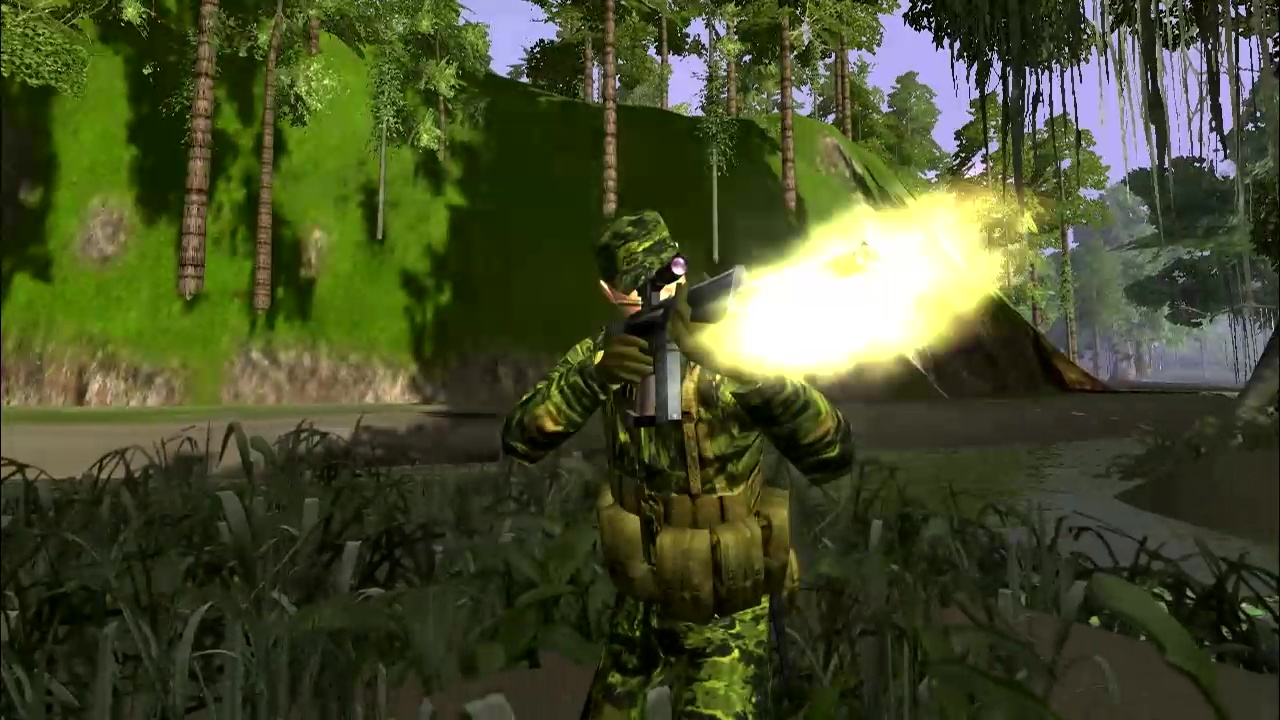

You need to set the Max Attack, Max Engagement, Minimum Engagement distance and weapon accuracy. You can also use advance ammo, set the AI to Berserk, and Alert State
Forum Replies Created
-
-
October 19, 2021 at 18:32 #3537in reply to: BGs and Ladders

I am a little late to the party but to make an AI use the ladder you only have to set this up in Events, no WAC is needed. Simply make the AI a climber (1) and direct the AI to a waypoint inline with the ladder.
-
September 8, 2021 at 15:30 #3413in reply to: heli and rope
The name of the map is Camped in Hell.
The wired iron tower is used for the rope and the ssnanim(XXX,anim_hold_rope) is used for the WAC command.
Let me know if you would like a copy of the map. It is not a completed map but a work in progress from 2011….LOL
-
Hey Coopwarriors
I have decided to host an AW2 server and when trying to setup Babstats , I ran into the same problem you encountered. I believe the reason for this problem is because the setup for Babstats is looking for the mod in the Joint Operations folder and since AW2 is installed into its own folder, Babstats can not find the mod and you cannot direct Babstats to the AW2 folder.
Did you by chance figure out how to do this?
I don’t know if copying the AW2 folder into the JO folder would work.
If anyone has instructions, it would be greatly appreciated.
-
January 14, 2021 at 18:32 #3131in reply to: Trying to Host a server BUT!
DMZ the router, it will save you time with trying to open ports
-
December 18, 2020 at 13:34 #3106in reply to: Start up screen
Sorry, I guess my brain does not work like yours……
-
The first thing you need to do is open a port in your router. All routers are different so, I cannot not tell you specifically how to configure your router.If you open the game.config file located in your game folder and under Multiplayer, you will see that the range of ports available are 32768 – 32787 and you can choose any number in that range you want. Just make sure that every line that has a 32768 number in it reflects the number you decide on. Then you need to find the line” remote_admin_port” and put the number 40000 and this number can be specific as well, 41000, 42000, etc.… There is a range but I do not remember off the top of my head what it is, start at 40000 Then you need to setup port forwarding in your router as well to set up TeamSpeak, etc.….Now create a user in the Admin.config folder in the game folder and set a user & password Then after you install WolfRat: Enter your IP number (must be static)Enter the Rat Port number Enter the user name and password you decided on in the admin.config folder These instructions are off the top of my head but they should get you in the right direction. You can email me at reddog_x@att.net if you need further help
-
February 3, 2019 at 20:22 #2694in reply to: Hello AW2 ers
Thanks for the compliments Ennio, I truly enjoy making maps more so than actually playing the game and the best reward is hearing gamers complementing and/or complaining about one of my maps.
As for the AW2 maps I have, 98% of the maps I have were not made by me and I would like to have them available for players to download once again but I simply do not have the time to make them ready to meet the criteria for summiting maps for this site.
I am going to set up a AW2 server and monitor the traffic to see if it is worth wild to start creating new maps for AW2, which I will summit to this site for downloading.
Best
RD
-
February 2, 2019 at 20:51 #2692in reply to: Hello AW2 ers
Thanks for the warm welcome Captain, site looks great!
As for the AW2 maps I have from when I ran a AW2 server, It would be way too much work to go through each map and then taking screen shots & writing descriptions, etc….. and submit them 1 at a time. I have over 80 maps from my last count I did. I would be better off just hosting a server with the maps.
I am hoping to get the game reinstalled this weekend. Is there a particular server that everyone joins?
Best,
RD
-
February 2, 2019 at 03:12 #2690in reply to: Hello AW2 ers
Hello Everyone – Red Dog here, not sure if anyone remembers me. Captain might……
Anyway not sure if anyone would be interested but I was digging around on an old buffalo drive and found 50 plus AW2 CoOp maps from the years gone by. Most of the maps are from an old buddy of mine Chief-C and we use to make maps for the Thundering 3rd Clan. I also found some other valuable information including the AW2 Loading Screen Template for use with Photo Shop that I was inquiring about in a different post. I am not sure how I could share the maps & tools I have.
I would like to get back into AW2 and making maps but I am not sure if this game is even still alive. Currently I am playing DFX2 which has many players but AW2 has so much more to offer with map making.
-
February 1, 2019 at 14:37 #2688in reply to: Start up screen
Thanks for the reply
It did work but it took a very long time for the game to load. Is there a certain size the picture needs to be?