
 .
.-
-
September 21, 2025 at 23:51 #5635
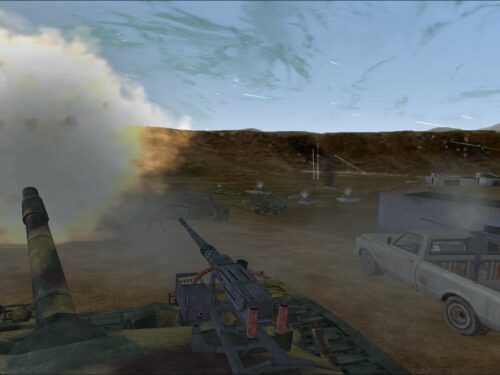
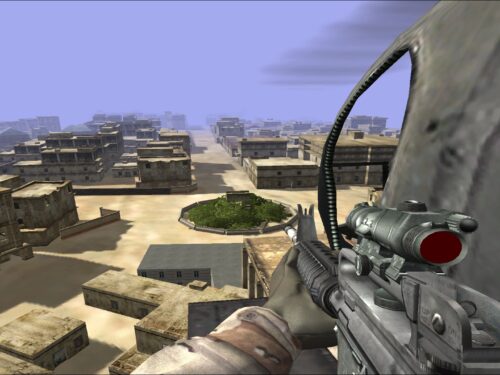
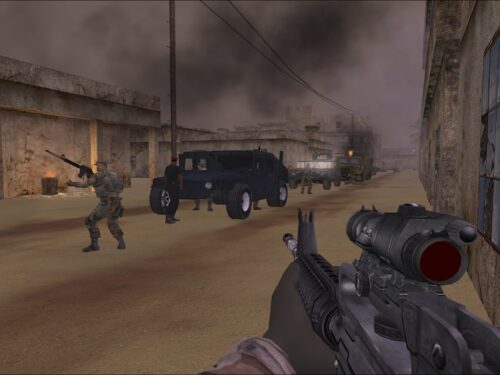
After the Windows 11 upgrade for my system I thought I had ‘lost’ (the option to install and play)Delta Force Black Hawk Down. Then I found a solution on google that I wanted to share with you all in case you run into a similar scenario; maybe not BHD, but perhaps older games you were fond of.
In the game folder, find the game .exe and right click on it.
Select ‘properties’
Select ‘Compatibility’
Check the box that says: “execute in compatibility with” and choose an older Windows version than you are running right now.
Try start up your game
In some cases in helps to check the box “execute as administrator” in the same section as “compatibility” issue.
*Note: if you have a game with a mission editor such as the DF games, do the same for the MED .exe (compatibility+admin box).Now you should be able to enjoy your (older) game on your (newer) system ^_^
It worked for me for Black Hawk Down. Not only can I now play the campaign missions again, I can also create my own missions and make them show up in the list of missions (thanks to altering the MED .exe that is).I hope this information may help people with similar issues.
-




Latest 10 Comments